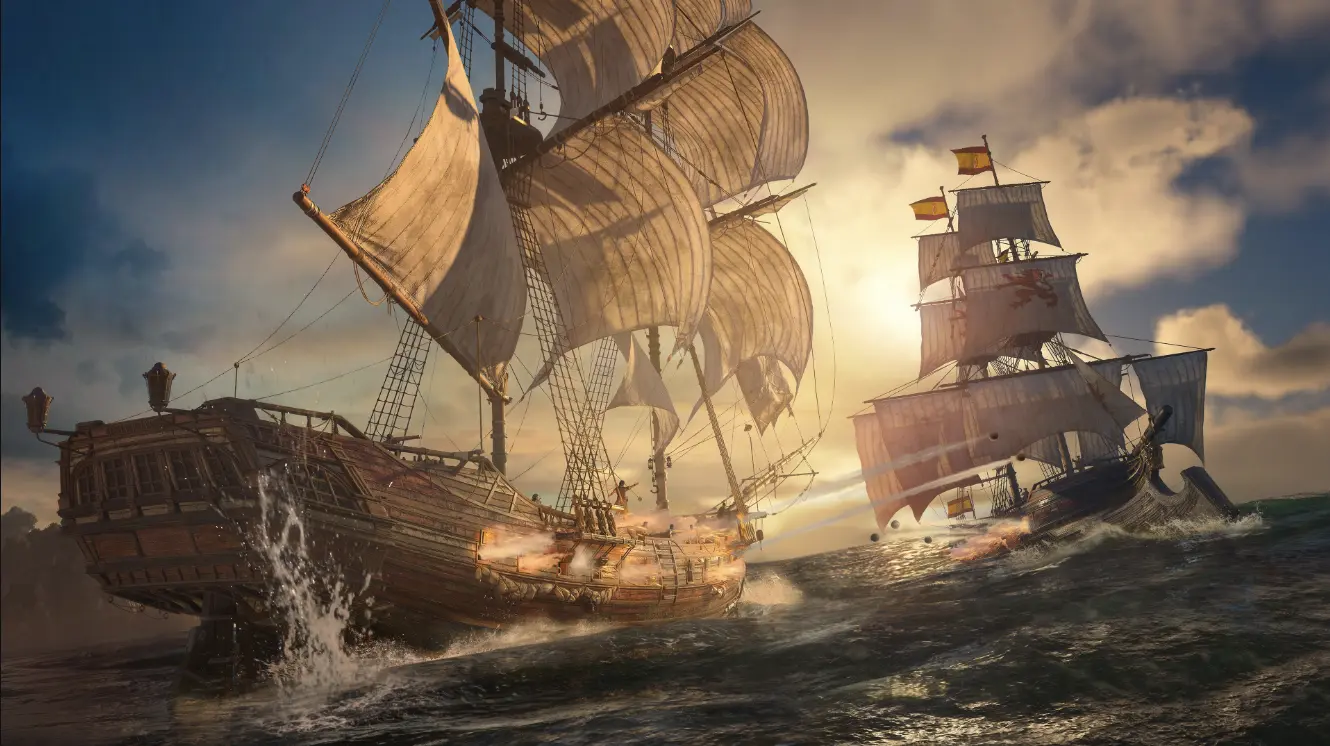
Assassin's Creed 4 Black Flag Save File-Fully Upgraded
Assassin's Creed IV: Black Flag
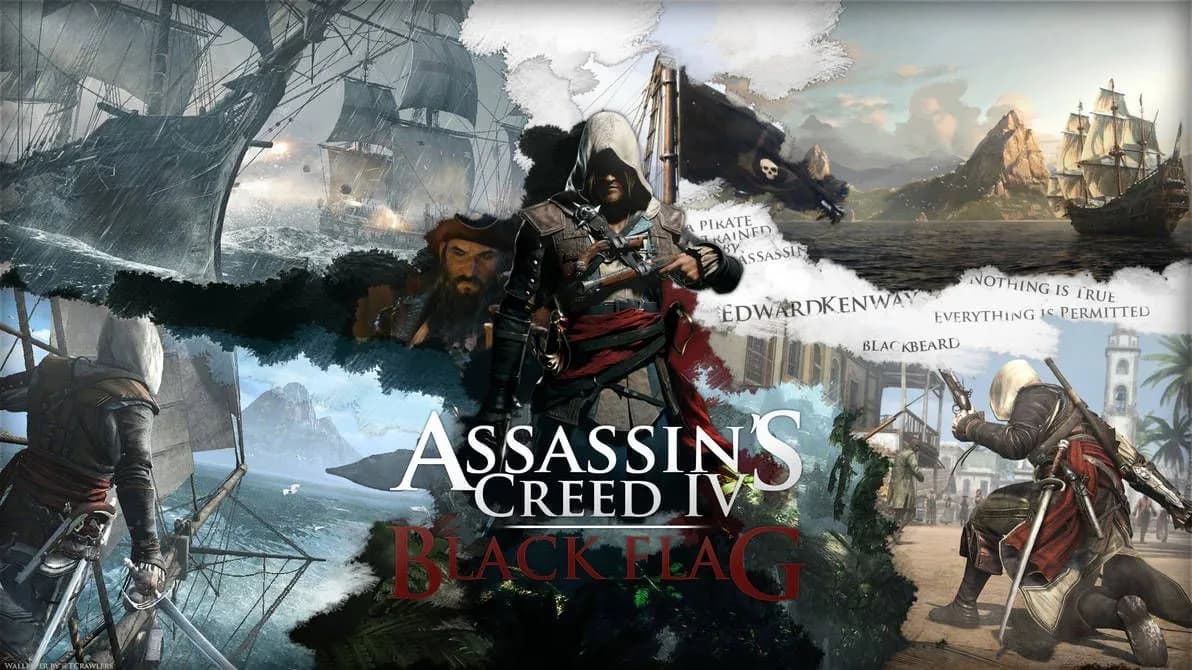
Get Assassin's Creed IV: Black Flag Save File
Save File Overview
This is a fully maxed-out Black Flag save, ready to load and explore. Every main memory is done. Every side quest too. Edward's story wraps up clean, no loose threads hanging around. The Jackdaw isn't just upgraded, it's the meanest ship in the Caribbean — full hull armor, broadside cannons, mortars, the works. All the legendary ships have been hunted down and sunk, so you skip those brutal late-game fights entirely. Elite plans are all collected, which means the best ship upgrades are unlocked from the jump. Money's capped out too, so if you just want to mess around buying outfits, weapons, or upgrading your crew without grinding chests and shipwrecks, this save gets you there instantly. Basically, if you bought the game on sale and just want the "explore everything, fight whatever, look cool doing it" experience without forty hours of side content first, drop this save in and go. No CTD issues, no weird flags tripped — just a clean, finished playthrough sitting there ready for free roam.
System Folder Location for Save Data
C:\Users\YourName\AppData\Local\AC4BFSP\savegames\To find the save location you need to go to the AppData folder on your computer. This folder is hidden by default so you need to make it visible. To do this File Explorer, click on the View tab and check the box that says "Hidden items." Then go to the C drive open the Users folder and click on your folder. Inside this folder you will see the AppData folder. Open this folder. Then go to the Local folder. Inside the folder you will see the AC4BFSP folder, which is where the game saves are stored. Inside this folder you will see the savegames folder, which's where you need to put the new save file. If you are using Ubisoft Connects cloud save feature it might also save your game to a cloud folder. You do not need to worry about this.
Game Edition & Version Requirements
Version: PC — Steam and Ubisoft Connect (Uplay) builds, both 32-bit and 64-bit executables
Progress: 100% Completed / All Memories, Side Quests & Legendary Ships Done
File Size: 141KB
This save was generated on the latest version of Black Flag, but since Ubisoft hasn't pushed updates to this game in years, compatibility is basically a non-issue at this point. Whether you're running the Steam release or the Ubisoft Connect version, the save format is identical — Ubisoft uses the same save structure across both launchers for this title. If you're on an older unpatched copy (rare these days, but some repack versions exist), the save should still load fine since Black Flag never changed its save architecture between updates. The only time you'd run into trouble is if you're using a heavily modded install with custom save hooks, in which case make a quick copy of what you've got before testing this one out. For 99% of players running a normal Steam or Ubisoft Connect copy, this drops in without a hitch.
How to Apply This Save File Correctly
Close the game and the launcher completely. Make sure the game is not running in the background.
Download the save file extract it and copy the folder into the AC4BFSP\savegames\ directory.
Relaunch the game through your launcher, load up the save slot, and confirm everything shows 100% on the game's progress screen.
DONE!
Essential Save File FAQs
Will this save work if I'm using a cracked or repack version of the game?
Most repacks use the same save folder structure as the retail version, so it should work. If your repack stores saves in a custom local folder instead of AppData, search that install directory for a savegames folder instead.
Do I need to start a new game first before loading this save?
Nope. As long as the game has been launched at least once (so the AC4BFSP folder exists), you can drop the save in cold without starting a new playthrough.
My game still shows the old progress after I added the new save — what gives?
This almost always means the launcher's cloud sync overwrote your local files. Disable cloud saves temporarily, redo the copy step, then launch the game while offline once to confirm it sticks.
Can I still play the multiplayer or other modes with this save active?
Yes, this save only affects single-player campaign progress and doesn't touch any separate multiplayer profile data.
Will using this save trigger anything with Ubisoft's anti-cheat or get my account flagged?
No, Black Flag doesn't have anti-cheat tied to save file contents for single-player. Editing save files for single-player progress isn't something Ubisoft tracks or bans for.
Preventing Progress Loss: Backup Reminders
Before you do anything make a backup of your save. This is very important. Copy your existing savegames folder to a place, like your desktop or a USB stick and rename it something like "savegames_backup_original." This way if something goes wrong you can just put your save back and you will not lose anything. Also make sure your antivirus software is not scanning the folder while you are copying the save file because it might flag the save as suspicious and delete it.. Check that Ubisoft Connects cloud sync is not set to overwrite your local saves with cloud versions because this might delete your new save.
Summary
That is it. This is a completed Black Flag save with everything done. You can use it to skip the grinding and get straight to the parts of the game. Just make a backup of your save drop the new file in and you are ready to go. If something does not look right after loading your backup is there waiting. If you have any problems just. I will help you troubleshoot. Now go enjoy sailing around the Caribbean with nothing left to grind for. The Black Flag game is a lot of fun. With this save you can enjoy it even more. You can explore the Caribbean fight against ships and look cool doing it. The Jackdaw is a ship and with this save it is even more powerful. You can buy whatever you want. You do not have to worry about running out of money. This save is perfect, for people who want to play the game without having to do all the side quests.