
Batman Arkham Knight 240% Save File: All Riddler Trophies Unlocked
Batman: Arkham Knight
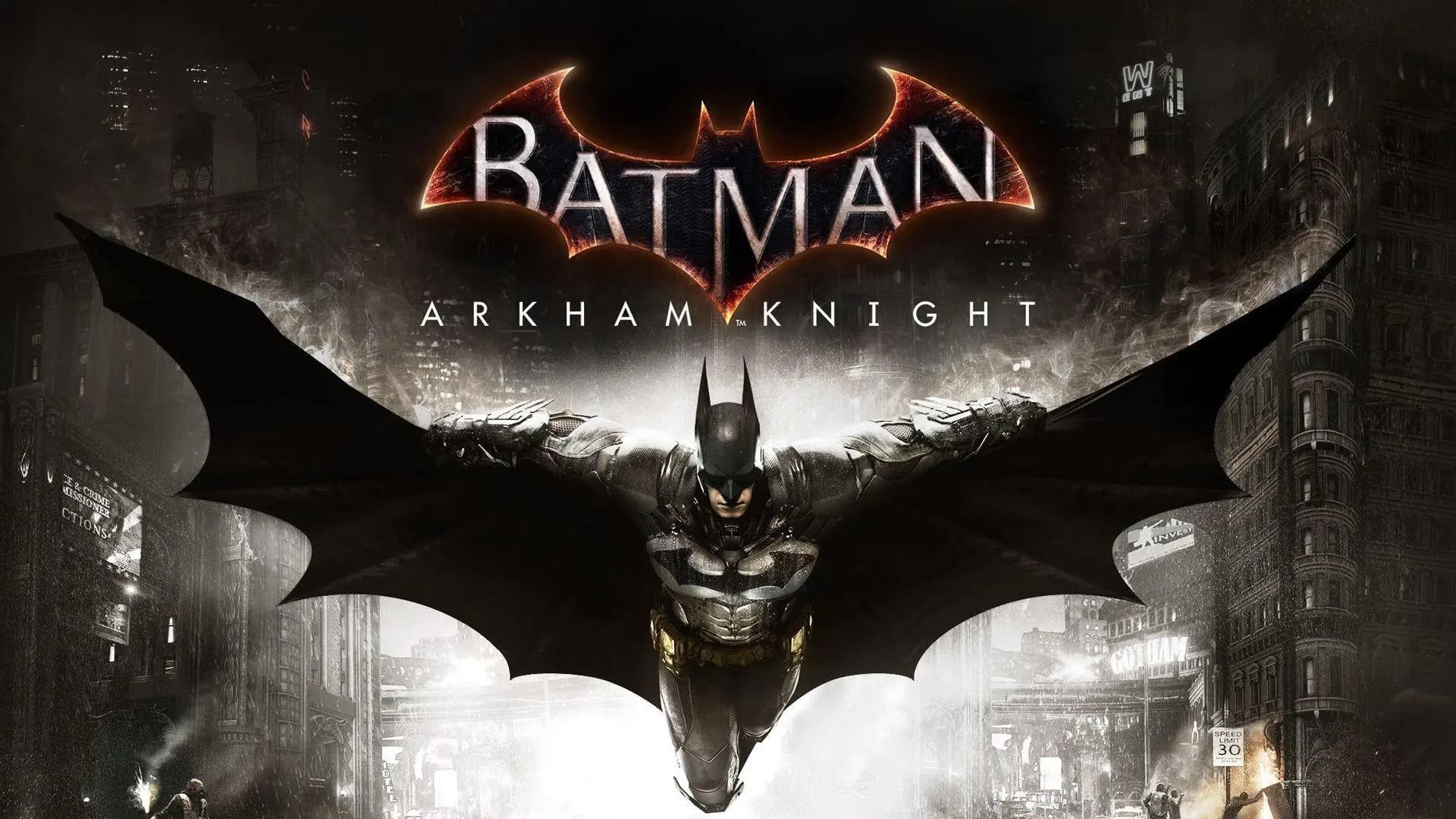
Get Batman: Arkham Knight Save File
Quick Setup: How to Install This Save
You need to exit the Assassins Creed 3 game and close Steam or Ubisoft Connect. Wait for a seconds and check the system tray to make sure the Assassins Creed 3 game is completely closed and not running in the background.
Now you have to extract the files from the archive you downloaded. You can use 7-Zip or WinRAR to extract them. After you do that copy the Assassins Creed 3 save files into the AC3SP\savegames\ folder. If you have a version use that folder instead for the Assassins Creed 3 save files.
Launch the game, go to Continue or Load from the main menu
check the completion percentage shown on the save slot — it should read 240%.
PC Save File Destination Location
C:\Users\YourName\Documents\WB Games\Batman Arkham Knight\Saved\SaveGames\Good news on this one — unlike a lot of Ubisoft games, Arkham Knight stores its saves in your Documents folder, not buried in AppData, so it's a bit easier to find. Open File Explorer and go to Documents. Inside, you'll spot a folder named WB Games — if you've played other Batman or WB titles, there might be a few folders here, so make sure you go into the Batman Arkham Knight one specifically. From there, go into Saved, then SaveGames. That folder holds your profile's save data, usually as a handful of files without obvious extensions or with `.sav`-style names. You generally don't need to mess with hidden folder settings for this one since Documents is visible by default. Just make sure the game is fully closed (check Steam's "Now Playing" status too) before you swap anything, so nothing gets locked or overwritten on exit.
Save File Overview
This is the big one — a 240% completion save covering the base game, New Game Plus, and the full Season of Infamy DLC questline. Every single Riddler trophy across Gotham is collected, which is no small feat given how many of them are tucked behind Riddlerbot puzzles, race tracks, and those annoying balloon rooms. Every batsuit in the game is unlocked too, including the New Game Plus exclusive suits and any DLC suits tied to Season of Infamy. Gotham itself is shown as fully locked down — all Most Wanted side missions wrapped, all militia checkpoints cleared, the whole map basically pacified. If you've been grinding toward the platinum trophy or just want to mess around in New Game Plus with every gadget upgrade, every suit, and the entire Riddler track checked off, this save skips the hundred-plus hours that normally takes. Drop it in, load up, and you've got a fully decked-out Batman ready for whatever you want to do next in Gotham.
Version Compatibility Info
Version: PC — Steam (Game of the Year / Premium Edition with all DLC installed)
Progress: 240% Completed / All Riddler Trophies, Batsuits & Season of Infamy Done (NG+ Included)
File Size: 1.1 MB
This save needs the Premium or Game of the Year edition with Season of Infamy DLC installed — if you're running the base game without DLC, the percentage will likely display differently since some of that 240% comes directly from DLC-exclusive content and challenges. Arkham Knight on PC hasn't seen a meaningful update in a long while, so the save format has been stable for years now. Whether you bought it years ago or picked it up on a recent sale, the underlying save structure is the same. The main thing to verify is that your DLC is actually installed and showing up in-game (check the extras menu), because a save referencing DLC content that isn't installed can cause missing menu options or odd behavior on the character select / continue screen.
Important Safety & Backup Advice
Always back up first — copy your current SaveGames folder to somewhere outside the game's directory before touching anything. Arkham Knight save files are usually just a few small files, so this takes seconds and saves you a massive headache if something goes sideways. One thing specific to this game: Arkham Knight on PC has historically had some rough patches with crashes and corrupted saves on certain hardware setups, especially older GPUs with limited vram or systems running a lot of background tasks during play. If your game was already a bit unstable before adding this save, that instability won't magically go away — keep your backup handy in case a crash corrupts a save file later down the line, regardless of which save you're using. Also, if you use Steam Cloud for this game, disable it before swapping files, otherwise your fresh save might get replaced by a cloud version on next launch.
Common Questions & Answers
I don't have Season of Infamy installed — will this save still work?
It'll likely still load, but the completion percentage may not show the full 240% since part of that total comes from DLC content. Install the DLC through Steam's DLC tab for the full experience to match.
The game crashes to desktop when I try to load this save — any fixes?
Try verifying your game files through Steam first (right-click the game, Properties, Local Files, Verify Integrity), then update your GPU drivers. Arkham Knight is notoriously picky about driver versions on certain cards.
The game crashes to the desktop when I try to load this save. Are there any fixes for this problem?
I think you should try checking the game files on Steam to see if that helps. You do this by clicking the game then clicking Properties, then Local Files and then Verify Integrity. After that you should update the drivers for your graphics card. The thing is Arkham Knight can be really particular about the drivers on some graphics cards.
Can I switch back to my old save afterward without issues?
Of course! The only thing you have to do to avoid problems is make a copy of your save files. If you have done that already, all you have to do is copy them to your computer again, to the SaveGames folder whenever you wish.
Does this save include the Batmobile upgrades too?
Yes, full Batmobile upgrades are included as part of the overall 240% completion, alongside the gadget and suit unlocks.
Summary
That's the full Arkham Knight package — 240% done, every Riddler trophy tracked down, every batsuit unlocked, and Season of Infamy fully wrapped on top of New Game Plus. This is basically the "I'm done grinding, let me just enjoy Gotham" save. Back up your current files, drop the new ones in, and you're staring at a complete save slot the moment you hit continue. If you hit any crash-to-desktop weirdness, that's usually more about Arkham Knight's general PC quirks than the save itself, so a driver update or file verification through Steam tends to sort it out. Enjoy swinging around a fully unlocked Gotham with literally nothing left on the checklist.