
Days Gone 100% Save Game
Days Gone
Get Days Gone Save File
Save File Overview
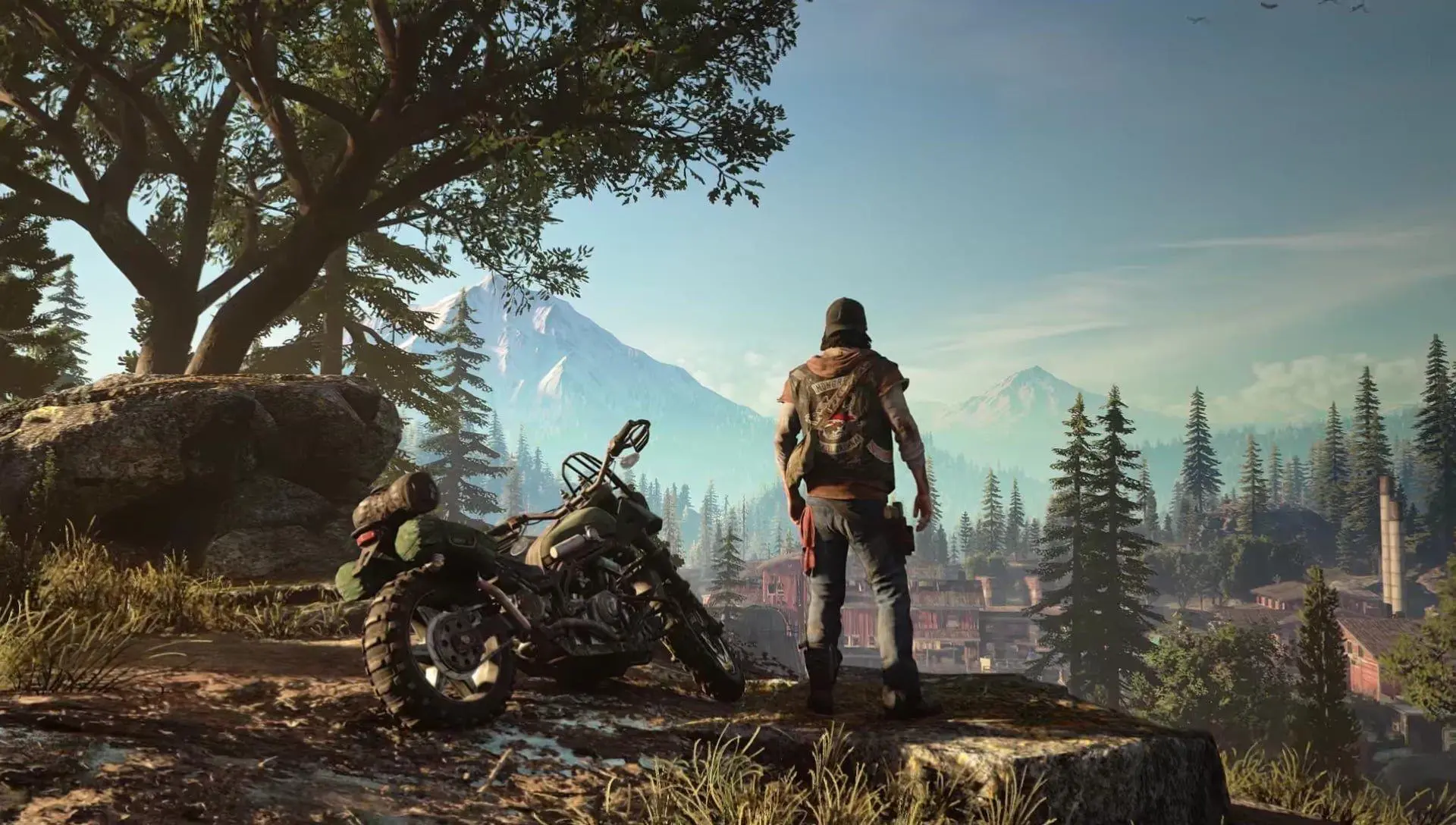
Days Gone offers a massive open-world post-apocalyptic Oregon to explore, but cleaning up every single Freaker horde, Ambush camp, and NERO checkpoint can be an absolute grind — especially the massive hordes like the Old Sawmill. This save file gets you straight to the end game with 100% completion. Every story mission in the campaign is completed, including the secret ending with O'Brian. All 40 Freaker hordes across the map are completely cleared out, meaning you don't have to stress about being ambushed by hundreds of Swarmers while exploring. Deacon's bike is fully upgraded to the maximum performance tier at Diamond Lake and Wizard Island camps — engine, nitro, fuel tank, and frame. Additionally, all camps (Copeland's, Tucker's, Iron Mike's, and the Militia camps) are at Trust Level 3, and all active skills in the Melee, Ranged, Survival, and Survivalist skill trees are fully unlocked. Deacon is equipped with the best weapons in the game, including the IDF-2, MG55, and the Sherriff sidearm. It's the ultimate sandbox package for exploring a cleared post-apocalyptic Oregon.
System Folder Location for Save Data
C:\Users\YourName\AppData\Local\BendGame\Saved\SaveGames\Days Gone stashes all its save files inside your AppData Local directory under BendGame. Since Windows loves to hide the AppData folder by default, your absolute first move is to make hidden files visible. Pop open File Explorer, click over to the View tab at the top, and check the box for "Hidden items." Once that's out of the way, just follow this exact route: C: → Users → Your Username → AppData → Local → BendGame → Saved → SaveGames. Once you land inside that SaveGames folder, you're going to spot your actual save files, which usually go by names like Checkpoint.sav or SaveGame[Number].sav. Just a massive heads-up: make sure both Days Gone and your game launcher are completely killed before you go moving anything around in this directory. If you try to swap files while the game or launcher is still running in the background, those active processes will either lock the directory up or completely overwrite your new files the second you close the game!
Game Edition & Version Requirements
Version: PC — Steam and Epic Games Store versions (latest update)
Progress: 100% Completed / All Hordes Cleared, Max Trust & Upgrades
File Size: 12.3 MB
This save was built on the absolute latest PC version of Days Gone, and it plays perfectly fine with both Steam and Epic Games Store copies. Since Bend Studio wrapped up updates for the game ages ago, you don't have to worry about version mismatches breaking anything. The data structure is standard across the board, so the save files don't care which launcher you bought the game on—both storefronts point straight to the exact same local folder anyway. Just a quick heads-up about Steam Cloud and Epic Online Services—those cloud sync features love to get messy when you start swapping files manually. If you boot up the game and find that your progress magically reverted back to your old save, it just means the cloud overwrote your work. To bypass this, just toggle cloud saves off in your launcher settings, start the game up offline once so the new progress locks in locally, and then turn cloud saves back on. If it asks you which file to keep, always choose your local file!
How to Apply This Save File Correctly
Completely shut down Days Gone and make sure to close out of Steam or Epic Games entirely so the background processes release their grip on your folders.
Head over to your directory at AppData\Local\BendGame\Saved\SaveGames\. Grab everything inside, make a quick backup copy, and dump it somewhere safe so you don't lose your own progress.
Unpack the downloaded save file archive using WinRAR or 7-Zip. Copy those freshly extracted files (like SaveGame1.sav) and paste them straight into that SaveGames folder, overwriting everything if Windows asks.
Essential Save File FAQs
Will this save work on the PlayStation 4 or PlayStation 5 versions of Days Gone?
No chance, maccan. This save file is strictly for the PC port. Console versions use completely different file formats and heavy encryption, so you can't just cross-paste files between PC and PlayStation.
I loaded the save but my bike upgrades are missing — what should I check?
Ensure you loaded the correct save slot from the load menu. The bike upgrades are tied directly to the save slot. If they still show as locked, check that you copied all the files from the archive.
Can I still reset the hordes and ambush camps to clear them all over again?
Yes, absolutely! That’s the best part. Once you hit 100% completion, Days Gone unlocks a built-in feature in the pause menu that lets you reset all the Freaker hordes, ambush camps, and infestation zones. You can replay them as much as you want while rocking your maxed-out endgame gear!
Will loading this save automatically unlock all Steam or Epic achievements?
It’s a bit of a mixed bag. A handful of achievements will probably pop the split second you load into the game. However, any milestones that need an active in-game trigger (like pulling off a specific combat move or stunt) won't unlock retroactively until you actually perform that action at least once on this save.
Do I need any mods installed for this save to work?
No, this save was created using a clean, unmodded version of the game, so it works perfectly on vanilla installs.
Preventing Progress Loss: Backup Reminders
Do not skip the backup process before copy-pasting new saves. Copy your entire SaveGames folder from AppData\Local\BendGame\Saved\ and paste it to your Desktop or a backup drive. Rename the backup folder to DaysGone_OriginalSaves so you can identify it easily. If you notice any performance stutters or frame drops after loading, this is due to Days Gone's DirectX 11 shader compilation caching, which typically occurs when loading into a new graphics area. It is entirely unrelated to the save file itself and will smooth out after a couple of minutes of gameplay. If your game was heavily modded with custom bike or weapon skins from Nexus Mods, verify that your mod load order is correct to prevent conflicts with the new save state.
Summary
That's the full Days Gone package — campaign complete, all 40 hordes cleared, maximum bike upgrades, all skills unlocked, and max trust levels across all camps. You get to jump straight into the ultimate post-apocalyptic Oregon sandbox with Deacon fully equipped. Remember to stash a quick backup copy of your original files, paste the new files into your SaveGames folder, and launch the game to confirm completion. If your launcher syncs the old saves back, turn off cloud saves temporarily in the game properties. Now, go ride and enjoy the open road with the best gear in the game!