
Far Cry 1 100% Complete Save File
Far Cry 1
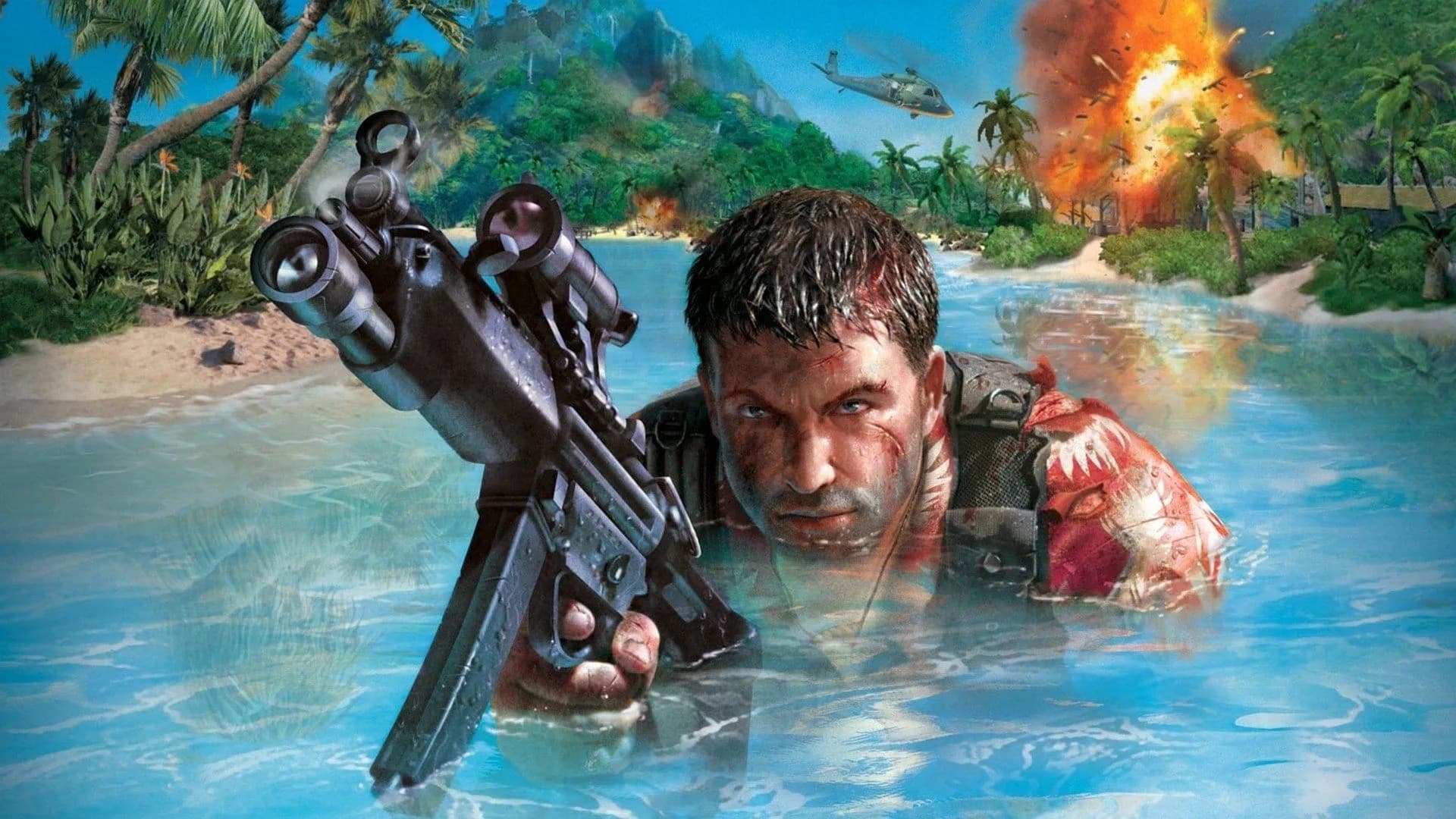
Get Far Cry 1 Save File
Quick Setup: How to Install This Save
Completely shut down Far Cry and kill any background game processes in your task manager so the directory is completely unlocked.
Unzip the downloaded archive using WinRAR or 7-Zip. Grab all the .sav files from inside and paste them straight into your Profiles\player\default\ folder.
Fire up the game, select your profile, click on Campaign followed by Load Game, and pick whichever unlocked mission you feel like playing!
PC Save File Destination Location
C:\Program Files (x86)\Steam\steamapps\common\Far Cry\Profiles\player\Finding where Far Cry hides your saves depends entirely on which storefront you used to buy the game. For Steam players, your data is usually chilling inside your main game folder under steamapps\common\Far Cry\Profiles\player\. If you bought it on GOG instead, you’ll need to make a detour over to GOG Galaxy\Games\Far Cry\Profiles\player\. Once you're inside that "player" folder, you're going to see a folder named after whatever you called your profile—it'll typically just be named "default" or show your specific in-game handle. Pop that open, and you'll find your actual mission files sitting there with the .sav extension. Just a quick pro-tip: make sure the game is completely shut down before you start messing with these files, otherwise you risk locking up the directory or breaking something. Also, if you’re on a fresh install and can't find that profile folder anywhere, don't sweat it. The game engine just hasn't generated the path yet. Fire up the game, set up a quick new profile, spawn into the first level for a brief moment, and then quit back to Windows. That forces the game to map out the whole folder setup, and you'll be good to drop your new files straight in.
Save File Overview
The original Far Cry is an absolute classic, but let’s be real—its brutal difficulty spikes, especially when those annoying Trigen mutants show up later on, can be a massive headache. If you want to skip the rage-quitting and jump straight into any level you fancy, this save file is exactly what you need. It packs 100% campaign completion, unlocking every single-player mission right from the main menu. You get instant access to every stage, from the sunny beaches of the Training level all the way to the volcanic crater in the final Volcano showdown. Every weapon is unlocked inside Krieger's labs, and you can drop into any difficulty mode—even Realistic if you’re looking for the ultimate challenge—with your health and armor values fully capped out. Whether you’re trying to relive your favorite action setpieces, test out different guns, or you just lost your ancient save files from back in the day, this clean file gets you back into the action instantly. No sketchy mods or cheats required.
Version Compatibility Info
Version: PC — Steam, GOG, and Retail CD builds
Progress: 100% Completed / All Levels Unlocked & Playable
File Size: 19.8 MB
We put this save through its paces on the latest 1.4 patch for Far Cry, which matches the exact build Steam and GOG serve up today. You shouldn't have a single issue running it on pretty much any digital version. That said, if you’re still messing around with an ancient retail CD install running anywhere from version 1.0 to 1.3, you might hit a wall when loading. Those old-school builds handle save indexes a bit differently, so do yourself a favor and just patch the game up to 1.4 before swapping your files. The good news is that the file layout is identical whether you’re playing on Steam or GOG, so launcher quirks won't mess things up. Also, because Far Cry is from an era way before modern cloud saving existed, you don't have to worry about your launcher throwing a tantrum and overwriting your freshly pasted files when you launch the game!
Important Safety & Backup Advice
Seriously, do not skip backing up your original save files before you touch a single thing here. Just highlight your current player profile directory, copy it, and stash it in a secure spot right on your desktop. Rename that folder to something super obvious like "FarCry_Saves_Safe" so you can easily swap it back in if you ever want your personal progress back. Also, keep in mind that running a total fossil like Far Cry 1 on modern hardware can be an absolute nightmare. If you want to bypass those random, rage-inducing crash-to-desktop (CTD) issues when you boot up these 100% unlocked levels, right-click FarCry.exe, check the box for Administrator rights, and set the compatibility mode over to Windows XP (Service Pack 3) or Windows 7. Doing this takes a few seconds but completely saves you from a world of stability issues later!
Common Questions & Answers
Will this save work on the Far Cry Classic console version?
No, this save file is only compatible with the PC versions of the game (Steam, GOG, and Retail CD). Console versions use a different save system.
I loaded the save but the menu still shows "New Game" and no levels are unlocked — what's wrong?
This happens if the save files were copied into the wrong profile folder. Make sure the files are placed inside the specific folder matching your active profile name (usually "default") inside the player directory.
Does this save unlock the multiplayer skins or maps?
No, this save file only affects the single-player campaign progress and level unlocks. It does not contain multiplayer assets or profiles.
The game crashes straight to my desktop the second I try to load up a level—how do I fix this?
This is almost always a classic compatibility hiccup with older games on modern Windows. To fix it, head into your game folder, right-click on FarCry.exe, and pop open Properties. Jump over to the Compatibility tab, check the box to run it in compatibility mode for Windows 7 (or Windows XP SP3), and make sure to tick "Run this program as an administrator" while you're at it. Hit apply, boot it back up, and those crashes should vanish!
Do I need any mods installed for this save to load correctly?
No, this save file was created using the vanilla patch 1.4 build of the game, so it works perfectly without any mods.
Summary
And that is the complete setup for Far Cry 1 — all campaign levels unlocked and fully playable on PC. You can jump directly into KRIEGER's labs or explore the tropical island landscapes without having to grind through the game's toughest missions from scratch. Take a moment to back up your original files, extract the new save files into your profile folder, and you are ready to play. If you run into any compatibility or load screen crashes, setting the game to run as administrator or in Windows 7 compatibility mode should resolve the issue. Enjoy the classic island shooter experience with everything unlocked!