
GTA V PC File: All Characters 100% Checklist Save
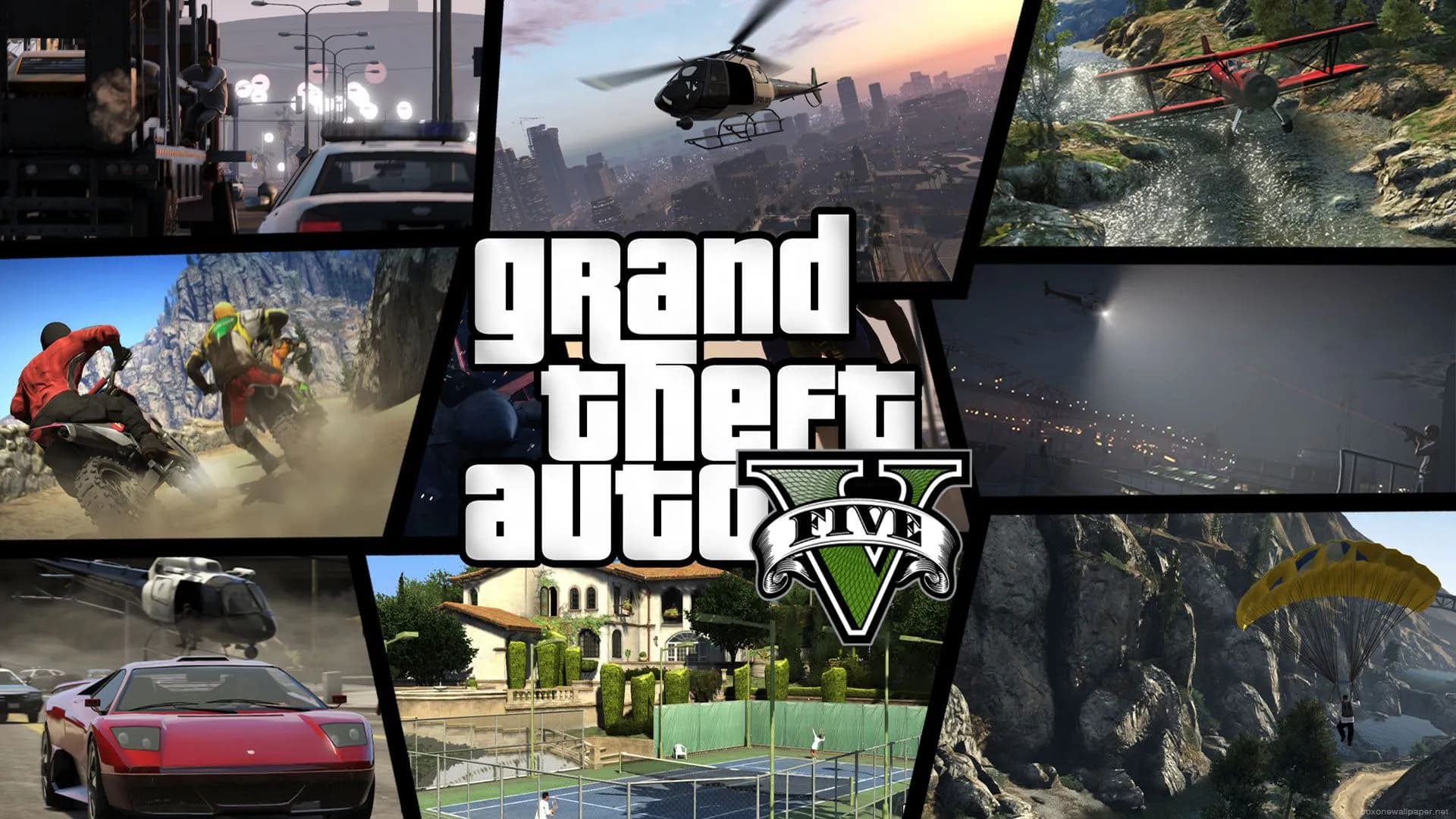
Grand Theft Auto V
Get Grand Theft Auto V Save File
Save File Overview
GTA V is a massive game even just for story mode — three protagonists, dozens of heists and missions, plus a sprawling checklist of side content that most players never fully clear. This save wraps all of it. All main story missions are done with Michael, Trevor, and Franklin. All three heist approaches completed. The Merryweather, Paleto Bay, and Union Depository jobs are finished. Every strangers and freaks mission, every random event, and all the hobbies and pastimes are cleared out too. All 50 under the bridge challenges done, all 50 knife flight challenges landed, and every stunt jump hit. Money is maxed across all three characters. All properties are bought, all weapons purchased, and the garage collections are stocked. If you've played the online side but never put the time into getting that GTA V story mode 100% completion stat on the pause screen, this save takes you straight there. Free roam Los Santos with nothing on the checklist, three fully loaded characters, and a bank balance that'll never run dry.
Game Version & Compatibility Details
Version: PC — Steam and Rockstar Games Launcher (both store versions are identical in save format)
Progress: 100% Completed / All Missions, Heists, Collectibles, Stunt Jumps & Properties
File Size: 12.1 MB
GTA V on PC has been running on the same Enhanced version codebase since the latest re-release, but the single-player save format hasn't fundamentally changed with those updates — which means this save should load cleanly on any fully updated PC copy regardless of when you picked it up. Both the Steam and Rockstar Games Launcher versions use the same save folder location, so whichever store you bought the game from, the path below applies. If you happen to be on a repack or older retail disc install, the save folder may be in the game's install directory rather than Documents — check a folder called "SGTA5110" or similar in the root of the GTA V install folder if the Documents path doesn't yield anything. One thing to be aware of: this save is story mode only and has zero impact on GTA Online, which runs a completely separate character progression system through Rockstar's servers.
Save Location Guide & Directory Path
C:\Users\%USERNAME%\Documents\Rockstar Games\GTA V\Profiles\GTA V hitches a ride on the exact same folder setup Rockstar uses for RDR2. No need to go digging around in your hidden AppData directories this time—your saves hang out right in your standard Documents folder. To get there, just pull up File Explorer, click into Documents, then hit Rockstar Games, jump into GTA V, and open up Profiles. Once you click into Profiles, you’ll see a folder named with a long, messy string of letters and numbers. Don't worry, that's just your unique Rockstar Social Club ID. Pop that folder open, and you'll find your actual game saves chilling inside, usually labeled as SGTA5110 or something similar depending on the slot you used. If that Profiles folder is nowhere to be found, don't sweat it. It just means the game hasn't actually locked in a local save on your rig yet. To fix that, fire up GTA V, jump straight into story mode, and play through until the game triggers an autosave right after the opening prologue scene. As soon as that's done, exit out to your desktop. That little trick forces the game engine to build the whole directory path from scratch. Pop back into Documents, and the folder will be sitting there waiting for you. Just a heads-up: make sure both the game and its launcher are completely killed before you drop your new files in, or Rockstar will just overwrite your paste job the second the cloud sync kicks in!
Step-by-Step Installation Instructions
Close GTA V completely and exit the Rockstar Games Launcher (or Steam) — don't just close the game window, make sure the launcher isn't still sitting in your system tray.
Unzip the downloaded save and copy the save file (e.g., `SGTA5110`) into your profile folder at `Documents\Rockstar Games\GTA V\Profiles\YourProfileID\`, replacing the existing file for that slot if asked.
Relaunch the game, go to Game → Load Game in the pause menu, pick the slot you just added, and once in-game check the Stats tab under the pause menu — look for the 100% completion badge.
Backup & Safety Notes
Copy your existing Profiles folder to somewhere safe before doing anything here. GTA V's saves can be tricky with Rockstar's cloud saves — if the launcher detects a newer cloud version than your local file, it'll replace whatever you just pasted in. Turn off cloud saves in the Rockstar Launcher settings before you start the copy, or you might find your paste undone on the next relaunch. Also, if you've been using a trainer or mod menu for single-player (which many players do for GTA V), some mods add custom flags to the save file that can occasionally conflict with a clean save. If you load the new save and see weird behavior — like missing waypoints or a scrambled pause menu stat list — toggle your mods off, reload the save in a clean unmodded session, and see if it clears up. Keeping a backup of your original modded save means you can go back either way.
Frequently Asked Questions
Does this affect my GTA Online character or rank?
Not at all. GTA Online is server-side and completely separate from story mode saves. Your online progress is stored on Rockstar's end and won't be touched.
The game shows 99.5% instead of 100% after loading — what's that about?
This sometimes happens when a time-sensitive stranger mission (like the Epsilon missions or Strangers that only appear after certain in-game days) resets its trigger. Load the save and wait a couple of in-game days by sleeping through them — the remaining event should pop and push completion to 100%.
Summary
Los Santos fully cleared — all missions, all heists, all stunt jumps, all strangers, and three characters with maxed bank accounts ready to cause whatever trouble you're in the mood for. That's the complete GTA V story mode experience, no grinding required. Shut cloud sync off in the Rockstar Launcher before swapping files, copy your existing save slot as a backup, then paste the new one in. If Rockstar's launcher tries to pull the old cloud version back down, a quick offline launch will sort that out. After that, the entire map is open, the 100% badge is on the stats screen, and you're free to do whatever in Los Santos.