
Hogwarts Legacy Level 40 Max Progress Save File (100% Field Guide Complete)
Hogwarts Legacy
Get Hogwarts Legacy Save File
Save File Overview
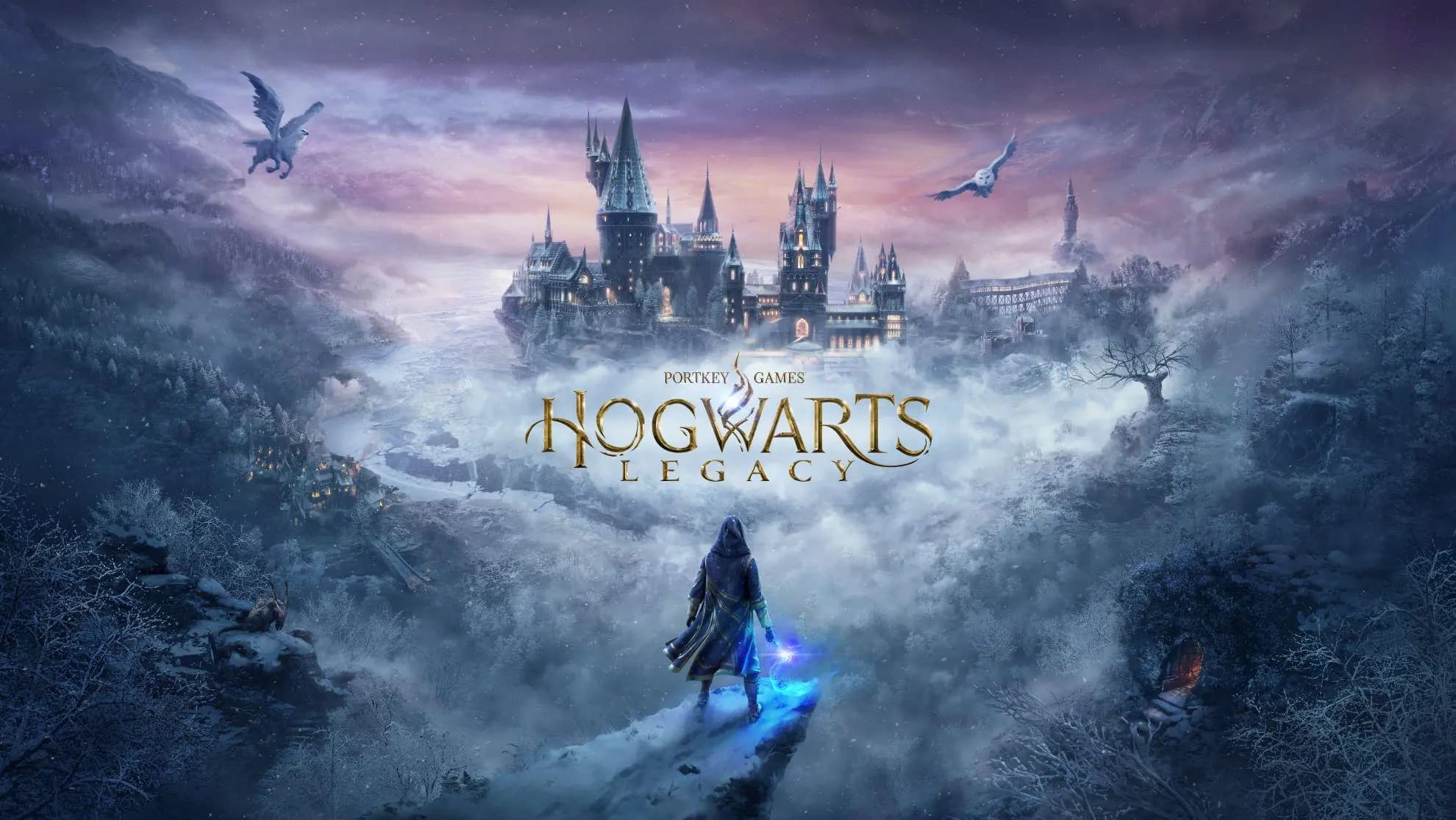
Hogwarts Legacy's open world is deceptively huge — between the castle itself, Hogsmeade, and the surrounding Highlands, tracking down every collectible and completing every questline takes a serious chunk of time. This save gets all of that done for you. Main story is complete. Every side quest from every relationship — Sebastian, Natsai, Poppy, all of them — is finished. All Merlin Trials solved. Every Field Guide page collected. All 150 Summoner's Court matches won, every Astronomy Table completed, all Vivarium beasts captured and bred. The Collector's Edition challenges tied to vendor side tasks are cleared out too. Level is sitting at the cap with all Talents unlocked across Combat, Spells, and Stealth trees. Every Unforgivable Curse is learned (through Sebastian's questline). The map is completely revealed with every secret found — underground dungeons, bandit camps, Merlin Trial spots, all of it. If you want to fly around the Highlands on a broomstick with nothing left to find, this save gives you exactly that.
Game Version & Compatibility Details
Version: PC — Steam and Epic Games Store (both versions, latest patch)
Progress: 100% Completed / Main Story, All Side Quests, All Collectibles & Max Level
File Size: 6.1 MB
The save data setup for Hogwarts Legacy hasn't changed a bit since the devs wrapped up those early post-launch updates. Everything is rock solid now, meaning you're good to go whether your game has been sitting on your hard drive for months or you literally just hit the download button today. Plus, it plays perfectly with both Steam and Epic storefronts—the core save layout doesn't care which launcher you prefer. If you shelled out for the Deluxe Edition, you’ll automatically unlock the Dark Arts Battle Arena and those extra cosmetic gear sets right away. Those bonus goodies are tied straight to your digital ownership license, not the save file itself. So, as long as your account owns Deluxe, that gear will pop into your inventory the moment you load in. If you're just running the Standard Edition, don't sweat it—you simply won't see those specific extras, but the rest of the 100% progress will still run flawlessly!
Save Location Guide & Directory Path
C:\Users\YourName\AppData\Local\Hogwarts Legacy\Saved\SaveGames\Hogwarts Legacy loves to hide its save data deep within the AppData Local maze, which means your absolute first task is making hidden folders visible. Jump into your File Explorer, toggle over to the View tab, and tick the "Hidden items" checkbox. Boom—AppData will now show up inside your user folder. From there, it's a straight shot down this route: C: → Users → [Your Username] → AppData → Local → Hogwarts Legacy → Saved → SaveGames. Once you land inside that SaveGames directory, you're going to stumble upon a folder (or a few) named with a long string of numbers. Those digits are just your official Steam or Epic account ID. If you have multiple accounts, just sort by "Date Modified"—your active profile is always the one that was touched most recently. Total newbie and can't find these folders anywhere? Take a breath, it's not a glitch. The game engine just hasn't created the directory because you haven't played yet. To boot it into existence, fire up the game, rush through to the character creation screen, whip up a random throwaway wizard, and play just a bit until the opening intro wraps up and the game triggers its first autosave. Alt+F4 out of there, check your directories again, and the whole folder layout will be sitting there waiting for your 100% save paste job!
Step-by-Step Installation Instructions
Fully exit Hogwarts Legacy and close Steam or the Epic Games Launcher — specifically make sure Epic's game service overlay isn't running in your system tray, since it can interfere with file saves on Epic-version installs.
Extract the downloaded .zip or .rar archive to get your hands on the actual save files. Grab those newly unpacked files and copy them to your clipboard.
Head into your numbered profile folder inside AppData\Local\Hogwarts Legacy\Saved\SaveGames\ and paste them right in.
Backup & Safety Notes
Do yourself a massive favor and back up your original SaveGames folder before touching a single file—a quick copy-paste straight to your desktop works perfectly and takes like two seconds. If the swap goes sideways for any reason, you can just drop your old folder back in to restore your personal progress instantly. Hogwarts Legacy is usually pretty stable, but if you're running any file-altering mods from Nexus (like texture swaps or gameplay overhauls), things can get messy. A modded setup might conflict with the clean 100% save file when you first boot it up. Play it safe and test the new save in a clean, vanilla session first to confirm everything looks good before layering your mods back on. Also, watch out for Epic’s cloud save sync—it's notorious for pulling your old progress back down and overwriting your new local files. Make sure to toggle cloud saves off in your Epic settings before you even start, and leave it off until you've confirmed the new 100% save is loading up flawlessly!
Frequently Asked Questions
Is Sebastian's questline done in this save, including the Unforgivables?
Yes — all three Unforgivable Curses are learned through Sebastian's full story arc, which is completed in this save. Avada Kedavra, Crucio, and Imperio are all on your spell wheel.
Does this save unlock the secret ending / true ending of the game?
Hogwarts Legacy's main story has one canonical ending rather than branching outcomes. This save has that ending completed, and the post-game free roam is fully accessible.
Will this save work on the PS5 or Xbox version?
No — this is a PC save file. PlayStation and Xbox use completely different save systems with no cross-platform compatibility.
Summary
Hogwarts fully explored — every quest done, every Field Guide page found, every Merlin Trial solved, Unforgivables learned, and the level cap hit with all Talents unlocked. The Highlands are completely opened up with nothing left tucked behind a fog of unfinished side content. Keep your original SaveGames folder backed up somewhere before swapping, disable Epic's cloud sync if that's your storefront, paste the new files in, and you're flying around a 100% completed Hogwarts map in minutes. Whether you want to replay specific moments, grab any lingering achievements, or just explore the castle freely with max spells and no quest pressure — this save sets you loose with everything unlocked.