Red Dead Redemption 2 Error FFFF Fix — Random Freeze & Unknown Error Crash
Red Dead Redemption 2
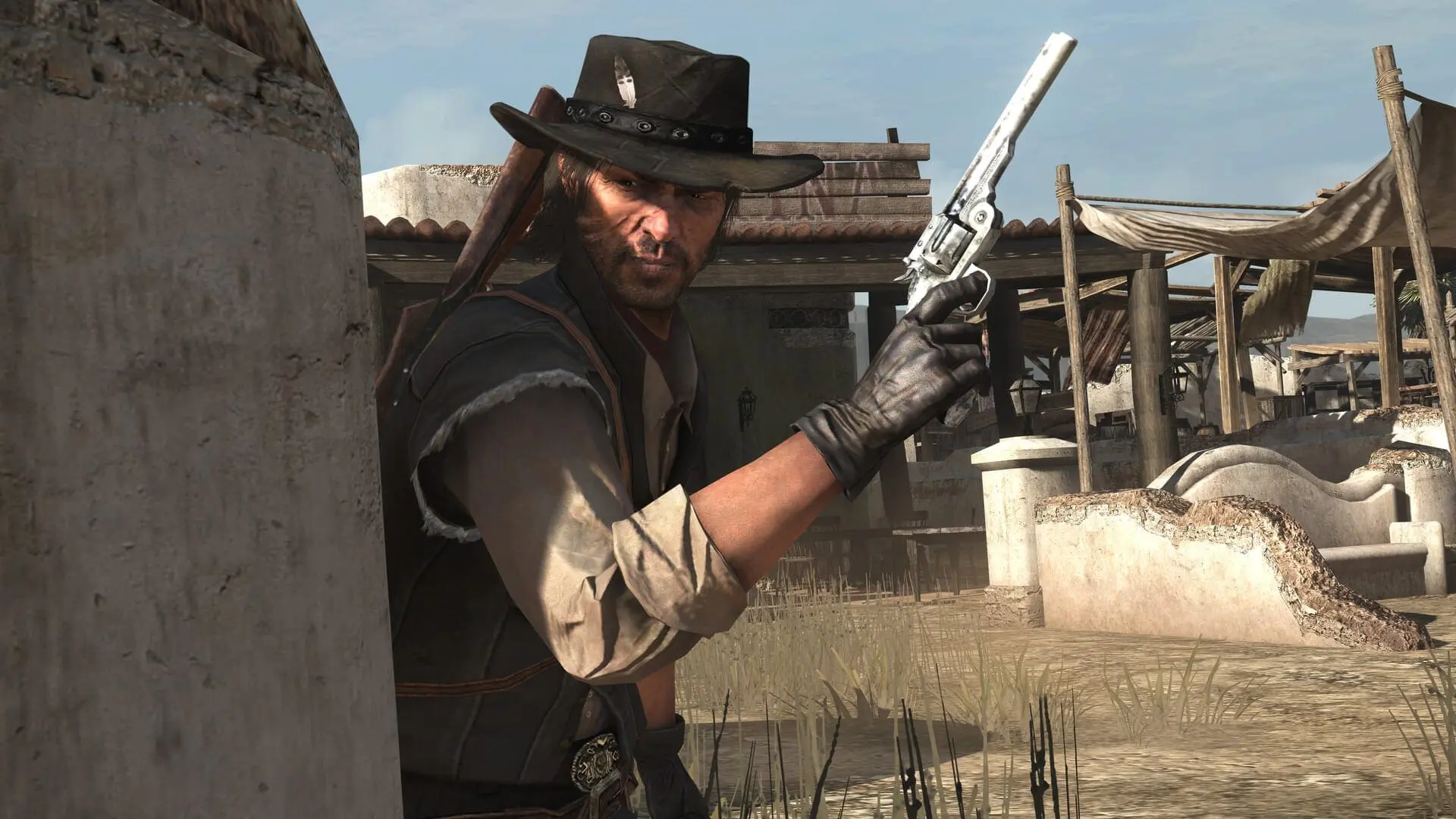
Red Dead Redemption 2 Error FFFF — Random Freeze and Unknown Error Crash
You're deep in Saint Denis, mid-shootout or sitting through a cinematic cutscene, and the game just dies. A pop-up appears with "Error FFFF" or "Unknown Error" — no useful description, no hint about what went wrong. The game freezes completely before the error even appears sometimes, forcing a hard close through Task Manager. This one's nasty because it's inconsistent. It doesn't happen every session, and it doesn't happen at the same moment twice. Some players get it exclusively in Saint Denis — which is RDR2's most GPU-intensive area due to the crowd density and lighting. Others get it exclusively during the long cinematic cutscenes that load heavy assets in the background. A few unlucky ones get it randomly across the open world. It affects a wide range of rigs, but mid-range GPUs with 4-6GB of VRAM tend to hit it hardest. Windows 11 users have reported it more than Windows 10. It also shows up more on the Rockstar Games Launcher version than Steam, though neither platform is immune. The error code itself is a catch-all — Rockstar uses FFFF as a generic failure state, which is exactly why it's so frustrating to pin down.
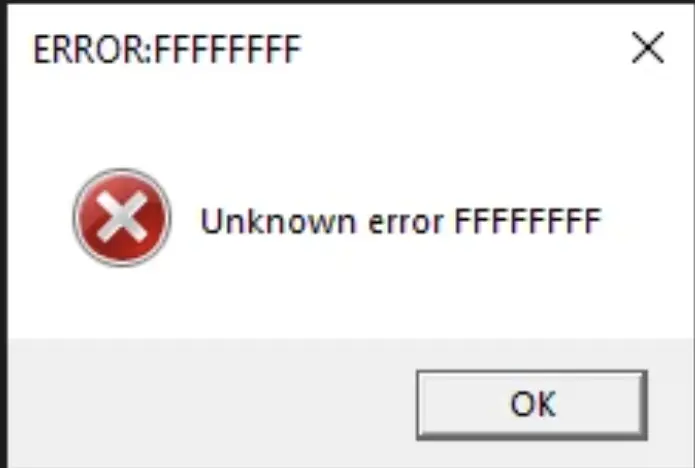
What Causes This Error
VRAM overflow in Saint Denis — the area is packed with NPCs, dynamic lighting, and dense geometry. If your GPU can't hold the asset load, it crashes out with FFFF. Corrupt or missing shader cache — RDR2 relies heavily on pre-compiled shaders. A bad cache causes the engine to choke mid-load, especially during cutscenes. Outdated or unstable GPU drivers — driver versions known to conflict with RDR2's Vulkan implementation will trigger random FFFF crashes. Overclocked GPU or VRAM — even a mild factory overclock on your GPU can destabilize RDR2, which hammers VRAM harder than almost any other title. Rockstar Games Launcher memory leak — the launcher itself has a known background memory issue that compounds over long sessions. In-game API conflict (DX12 vs Vulkan) — RDR2 defaults to Vulkan on most rigs, but some hardware combinations run more stable on DX12, and the wrong setting causes mid-session crashes. Overlay software interference — Discord, GeForce Experience, and Xbox Game Bar all hook into the game's memory. Any of these can trigger an FFFF during heavy scenes. Insufficient pagefile — if your system RAM gets maxed during the Saint Denis load, Windows needs pagefile space to compensate. A small pagefile causes an overflow crash.
Step-by-Step Fix
Lower your Texture Quality in-game to one step below your current setting. Go to Settings → Graphics → Texture Quality and drop it down. If you're on 4GB or 6GB VRAM, set it to Medium and also drop Geometry Level of Detail to around 15-17.
Delete the shader cache so it rebuilds clean. Close RDR2 and the Rockstar Launcher completely. Navigate to C:\Users\YourName\AppData\Local\Rockstar Games\Red Dead Redemption 2\ and delete the sga_cache folder. Relaunch and let the shaders compile fully before playing.
Switch your graphics API. In Settings → Graphics, change Graphics API from Vulkan to DirectX 12, or vice versa depending on what you're currently running. Save, restart the game, and test in Saint Denis.
Why This Happens
Error FFFF is Rockstar's generic crash handler — it fires when the engine hits a failure state it can't categorize. That vagueness is by design (or by neglect), because the actual trigger can be half a dozen different things. The Saint Denis connection is the most documented case. That city is a stress test on its own. Hundreds of dynamic NPCs, real-time lighting bouncing off wet cobblestones, dense building geometry, and ongoing background audio scripting all running simultaneously. On a GPU with limited VRAM, the engine starts trying to pull more assets than it can hold in memory. When that overflow hits, FFFF fires. The cutscene version is a different problem. RDR2 uses cutscenes as loading windows — it's streaming in the next area while you're watching the scene. If the shader cache is dirty or the streaming thread stalls, the engine panics and crashes out with the same generic error code. The Vulkan vs DX12 issue is a known, long-standing bug Rockstar has never fully patched. Vulkan is faster on most rigs but less stable on certain driver/GPU combos. Switching to DX12 has resolved persistent FFFF crashes for a huge number of players. Rockstar has released patches addressing some FFFF causes over the years, but the error persists in 2025/2026 builds, particularly on Windows 11. It's not fully fixed — workarounds are still your best tool.
Frequently Asked Questions
Does Error FFFF happen on both Steam and Rockstar Launcher versions?
Yes, both versions can hit FFFF, but the Rockstar Launcher version tends to get it more due to the launcher's background memory usage stacking on top of the game. If you're on Rockstar Launcher, try launching the game with the launcher minimized and nothing else running in the background.
I'm on a high-end GPU with 12GB+ VRAM — why am I still getting FFFF?
VRAM amount isn't the only factor. Driver instability, overlay conflicts, and the Vulkan/DX12 mismatch can hit any GPU regardless of spec. Run through Steps 3, 4, and 5 first — those are the highest-yield fixes for high-end rigs getting unexpected FFFF crashes.
Summary
The two fixes that kill FFFF for most players are the graphics API switch (Vulkan ↔ DX12 in Settings → Graphics) and the shader cache deletion at C:\Users\YourName\AppData\Local\Rockstar Games\Red Dead Redemption 2\. Do both together, not one at a time. If Saint Denis is specifically your crash point, dropping Texture Quality one tier and disabling all overlays usually gets you stable. Still crashing after all that? Clean install your GPU drivers with DDU and increase your pagefile to 16GB max. That combination covers the vast majority of FFFF cases across all hardware configs.